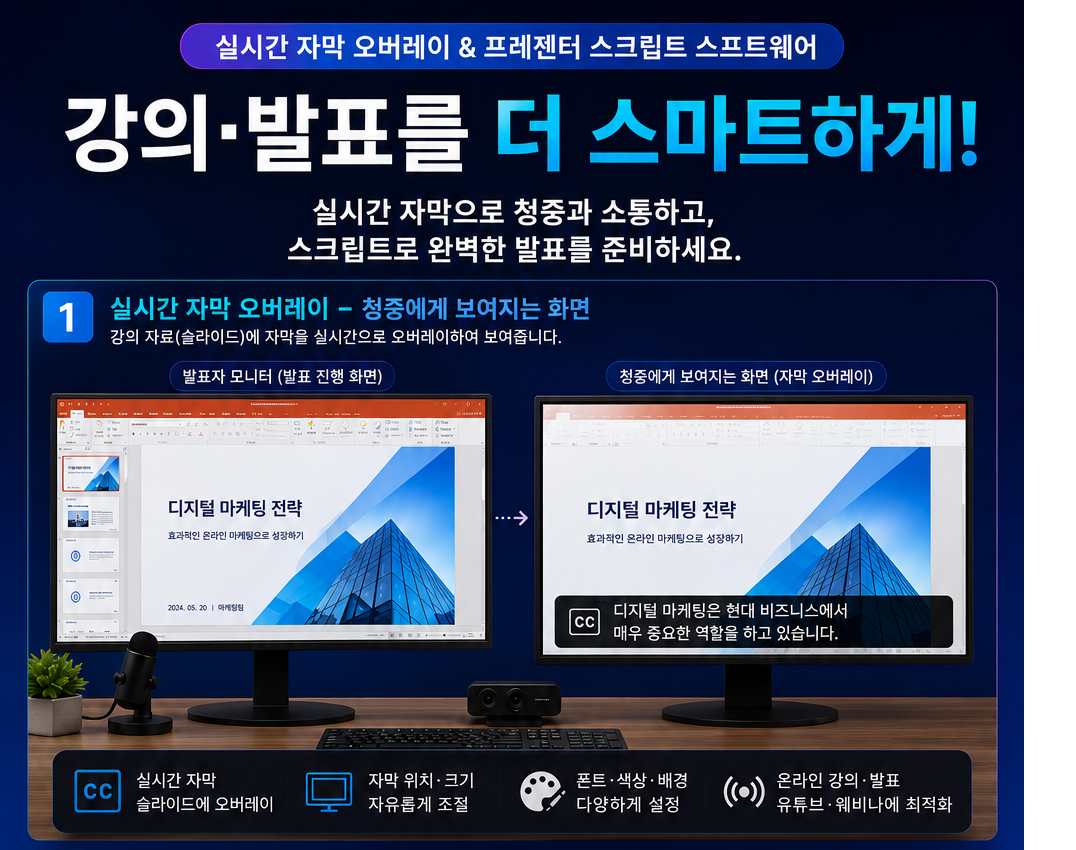
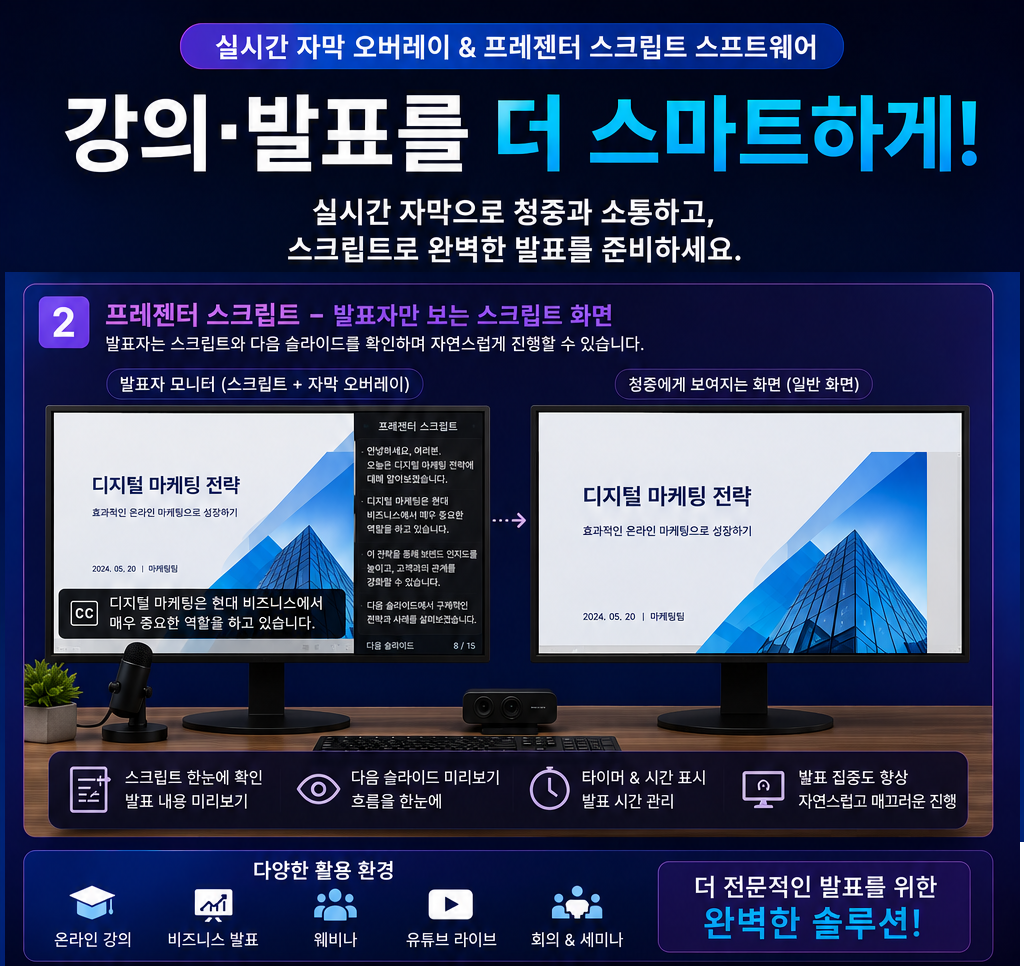
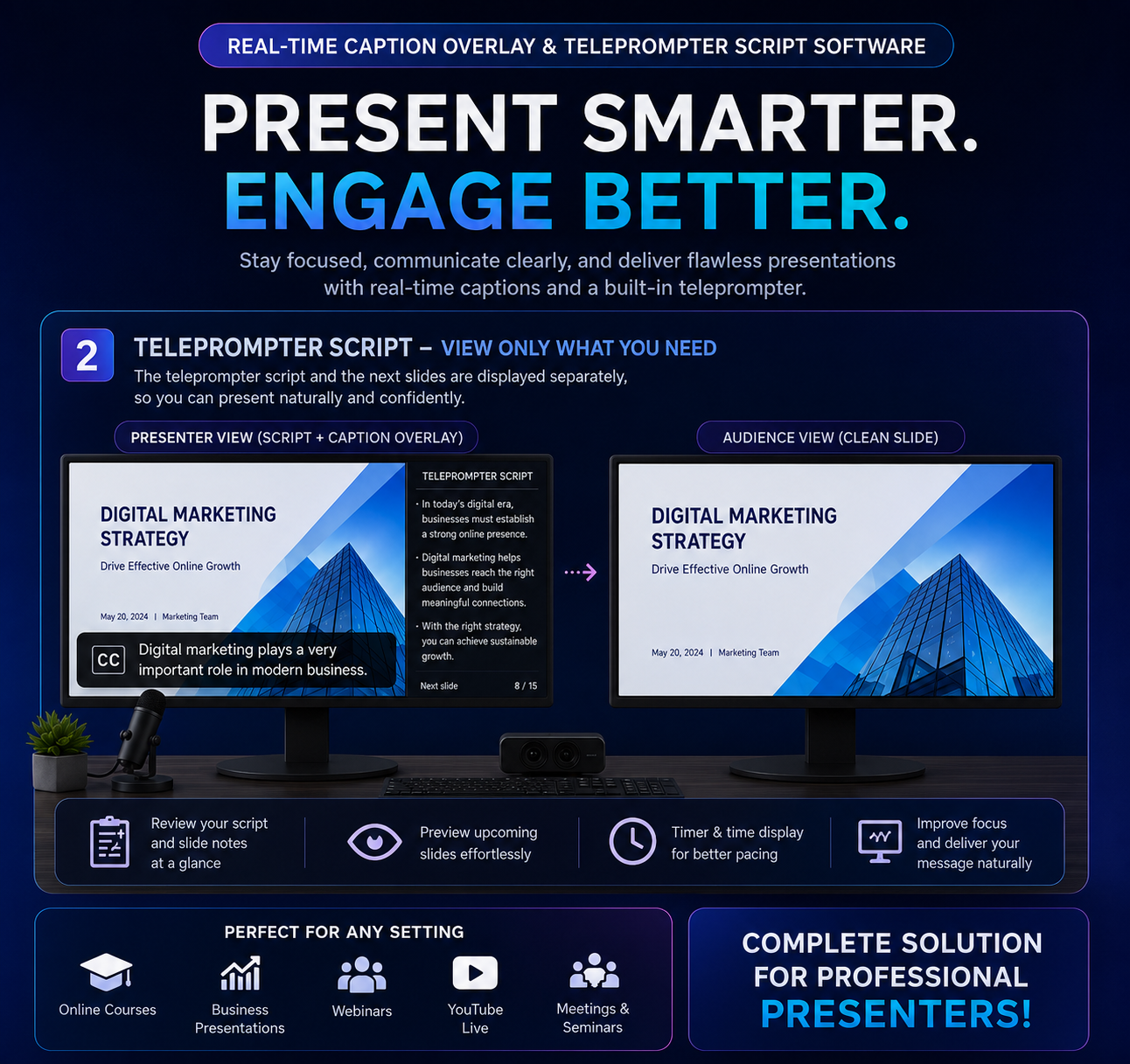
화면 위에 투명하게 떠 있는 슬라이드 메모 앱입니다. 발표·강의·스트리밍 중 아래 화면을 가리지 않고 노트를 자연스럽게 표시합니다.
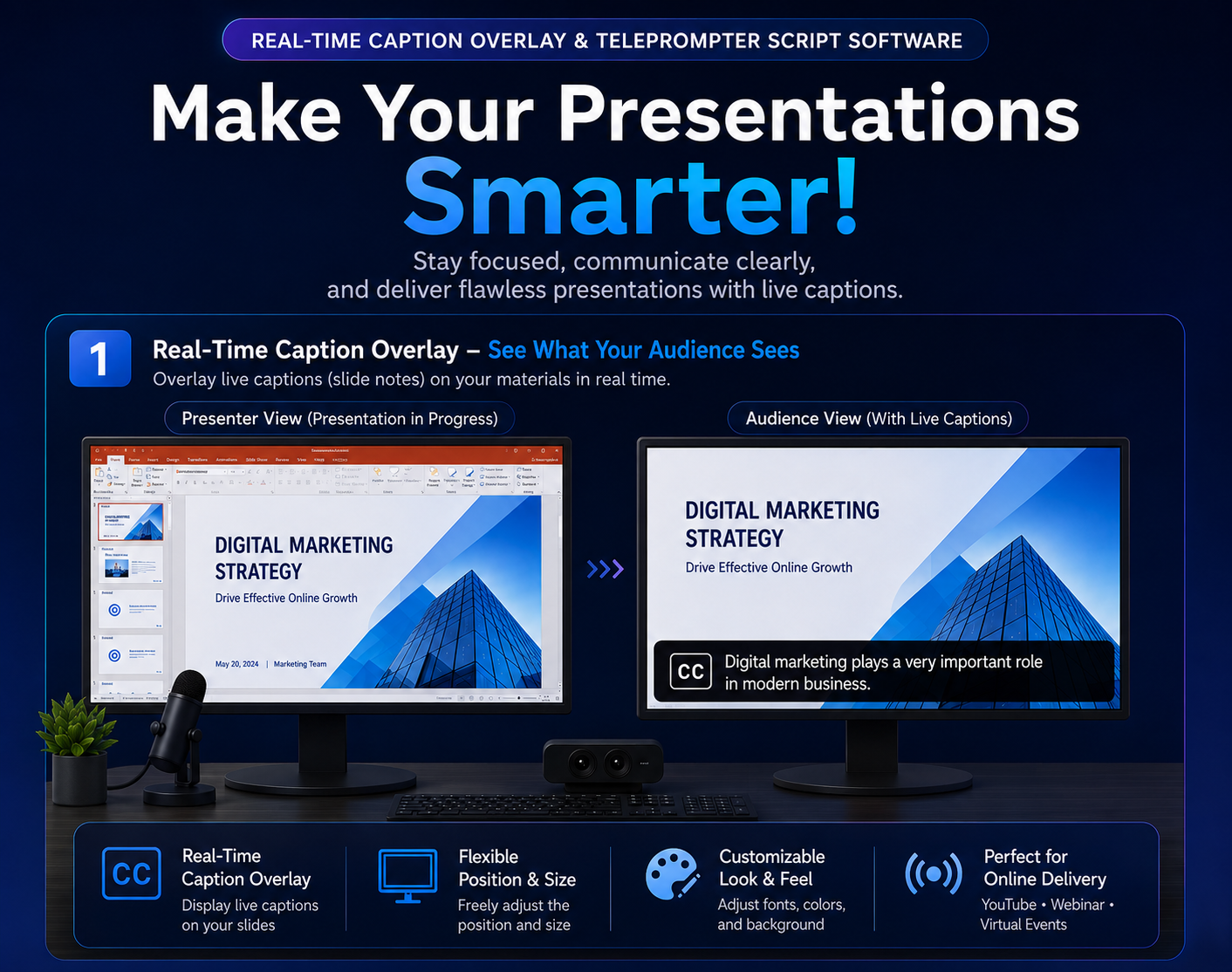
Floating transparent slide notes that sit over your screen. Show your notes naturally without covering content during presentations, lectures, or streams.
화면 최상단에 투명하게 떠 있어 아래 화면을 방해하지 않습니다. 클릭도 그대로 통과됩니다.
Sits transparently above everything — clicks pass through to the app below. Zero interference.
여러 페이지를 작성하고 순서대로 표시합니다. 자동 슬라이드 타이머로 핸즈프리 진행도 가능합니다.
Write multiple pages and flip through them in order. Auto-slide timer lets you go hands-free.
폰트·크기·색상·정렬·줄간격·그림자·외곽선을 자유롭게 설정. 페이지별 개별 스타일도 지원합니다.
Font, size, color, alignment, shadow, outline — customize everything. Per-page styles supported.
단일 모니터에서도 화면 하단 미니 플로팅 바로 페이지 이동·ON/OFF·타이머를 제어합니다.
Even on a single monitor, the floating mini bar controls page navigation, toggle, and timer.
드래그로 이동, 테두리 드래그로 크기 조절. 9가지 위치 스냅으로 빠른 배치도 가능합니다.
Drag to move, drag edges to resize. 9-position snap buttons for instant placement.
페이지 이동·ON/OFF·저장 등 모든 단축키를 앱 내 설정에서 자유롭게 변경할 수 있습니다.
All shortcuts — navigation, toggle, save and more — can be freely reassigned in the app settings.
좌측: Trans Note 컨트롤 창 (입력) | 우측: 발표화면 + 투명 오버레이 (출력)
Left: Trans Note control window (input) | Right: Presentation + transparent overlay (output)
위 다운로드 버튼을 클릭해 TransNote.exe를 받고 더블클릭으로 실행합니다. 별도 설치가 필요 없습니다.
Click the download button to get TransNote.exe, then double-click to run. No installation required.
Microsoft Defender SmartScreen에서 인식할 수 없는 앱의 시작을 차단했습니다. 이 앱을 실행하면 PC가 위험에 노출될 수 있습니다.
Microsoft Defender SmartScreen prevented an unrecognized app from starting. Running this app might put your PC at risk.
컨트롤 창에서 + 버튼으로 페이지를 추가하고, 오른쪽 편집기에 내용을 입력합니다.
In the control window, tap + to add a page, then type your notes in the editor on the right.
페이지 목록의 토글 스위치를 켜면 투명 오버레이 창이 화면에 나타납니다.
Flip the toggle in the page list and the transparent overlay appears on screen.
화면 하단 미니 플로팅 바의 ◀▶ 버튼으로 페이지를 이동합니다. 단축키는 앱 설정에서 자유롭게 변경할 수 있습니다.
Use the ◀▶ buttons on the floating mini bar to navigate pages. All keyboard shortcuts can be customized in the app settings.
무설치 TODO 리스트 — 할일·알람·HTML 내보내기까지
Portable TODO list with alarms, tags, and HTML export
블루투스 연결 끊김을 즉시 오버레이로 알려주는 트레이 앱
Instant overlay alert when your Bluetooth device disconnects
일일 사용시간 초과 시 명언 타이핑으로 잠금 해제하는 차단 앱
Screen time blocker — type a quote to unlock when time's up
원터치로 USB 테더링 설정 오픈. 데이터 사용량 통계 및 한도 알림.
One-tap to open USB tethering. Data usage stats and limit alerts.
밤마다 홀로 타닥타닥, 고양이처럼 만들고 있어요. 커피 한 잔만큼의 응원이 다음 버전을 만드는 연료가 됩니다. ☕
Made alone, late at night, one key at a time. A coffee's worth of support fuels the next version. ☕
앱이 마음에 드셨나요?
토스로 커피 한 잔 후원해주세요 ☕
밤새 개발하는데 큰 힘이 됩니다.
Enjoying the app?
Support via Toss ☕
It really helps me keep building.